anymail Academy
Courses
Hands-on courses that build a campaign in anymail screen by screen, and short cold email courses with the same step-by-step lessons. Every course is free and opens after you enter your email.
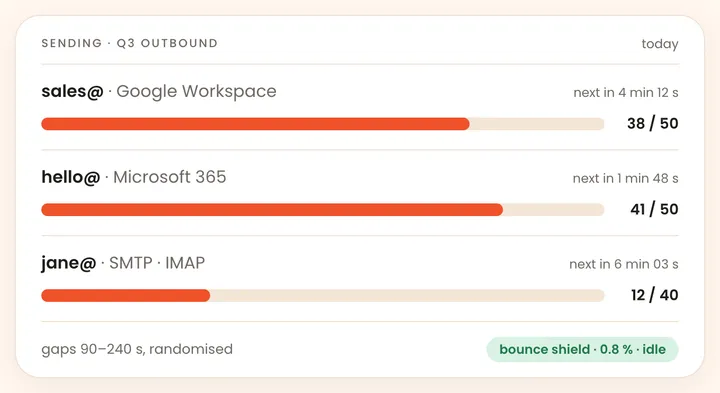
Set up anymail for cold email
Connect your mailboxes, check the sending domain, import your list and plan its verification, in the same demo workspace you see in the screenshots.
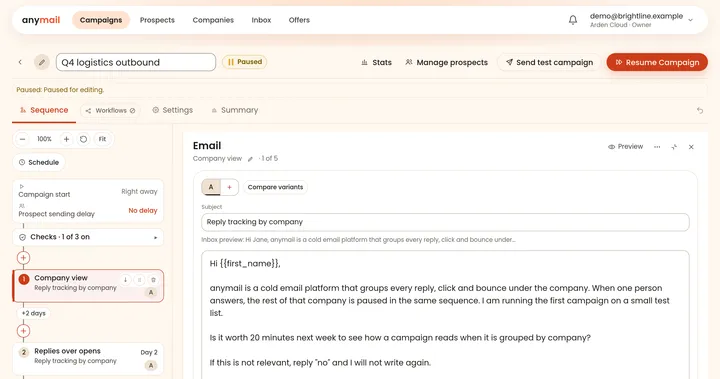
Build and run a campaign in anymail
Write a sequence with snippets, variants, a condition and a call task, set the sending limits and the bounce shield, then send a test and run it.
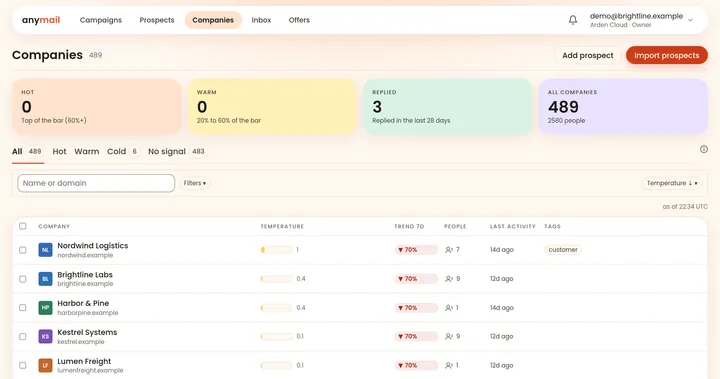
Work replies and warm companies in anymail
Sort replies by intent in one inbox, read the temperature of each company and send the warmest ones a tracked offer.
Write a cold email people answer
The first email line by line: structure, subject, opening, personalisation, the ask, length and links.
Set up sending that lasts
Domains, mailboxes, DNS records and daily limits, in the order you set them up.
Build a follow-up sequence
How many steps, how far apart, in which thread, and when the sequence should stop or hand over to a call.
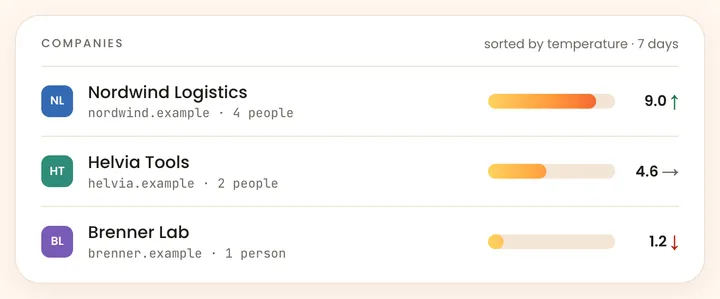
Choose accounts and people
Build the list company by company, decide who to write to first and keep within data protection rules.
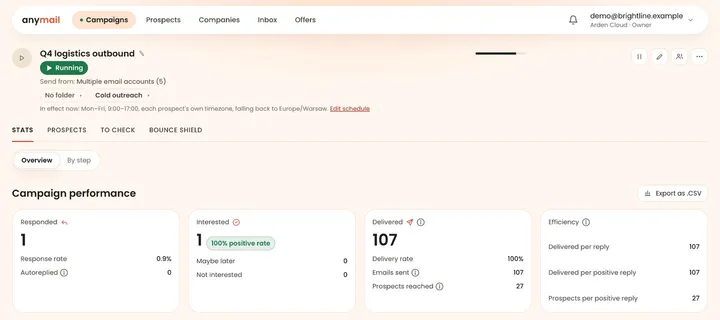
Read your campaign numbers
Reply rate, bounce rate, opens and test sizes, and what to do when a campaign pauses.
New courses and live sessions by email.
We write when a course or a webinar is published, about once a month.