anymail Academy
Learn cold email in the order you use it.
Short courses with screens and steps, live webinars with people who send cold email every week, and a library of plain answers.
Start with a hands-on course
Three short courses build one real campaign in anymail, screen by screen. The first lesson of each is open to everyone.
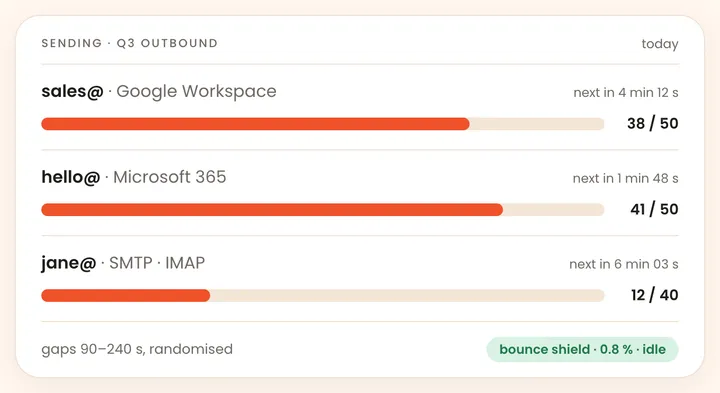
Set up anymail for cold email
Connect your mailboxes, check the sending domain, import your list and plan its verification, in the same demo workspace you see in the screenshots.
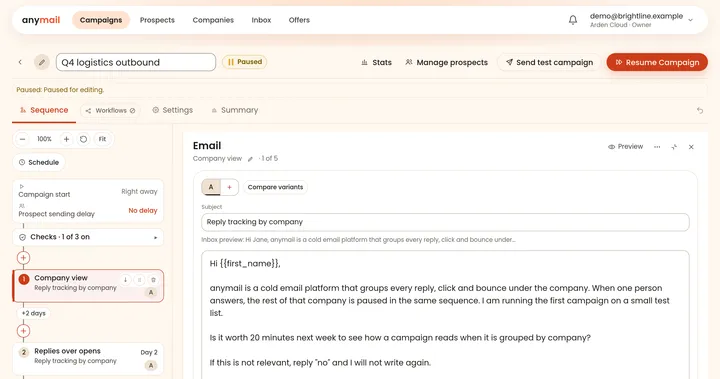
Build and run a campaign in anymail
Write a sequence with snippets, variants, a condition and a call task, set the sending limits and the bounce shield, then send a test and run it.
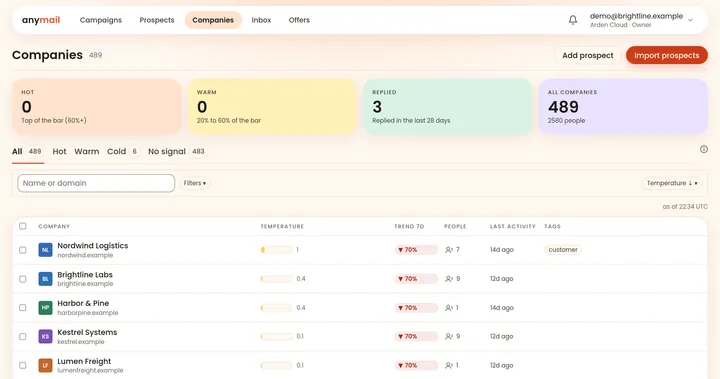
Work replies and warm companies in anymail
Sort replies by intent in one inbox, read the temperature of each company and send the warmest ones a tracked offer.
Live sessions
Free webinars in English at 20:00 Warsaw time. Register once to receive the joining link, a reminder and the recording.
3 sessions already held. See past sessions
Library
42 articles, each answering one question from practice, with the numbers and their limits.
How many mailboxes to run, how to set up their DNS records and how to keep cold email out of the spam folder.
Copywriting9How to write the first cold email: what to say, how long to make it and what to leave out.
Sequences and follow-ups6How many follow-ups to send, how far apart, and when a sequence should stop.
Targeting and ICP6Choosing which companies to write to, handling difficult addresses and staying within data protection rules.
Measuring results7Which numbers to watch in cold email, and how to read them without fooling yourself.
Tools and stack5Connecting cold email to the rest of your tools, and what the software costs.
New courses and live sessions by email.
We write when a course or a webinar is published, about once a month.