Write the first email with snippets and fallbacks
Write one email that reads as personal for every prospect, including the ones with empty fields.
Continue for free
Enter your email to open this lesson. You stay signed in for 7 days on this device.
What to set
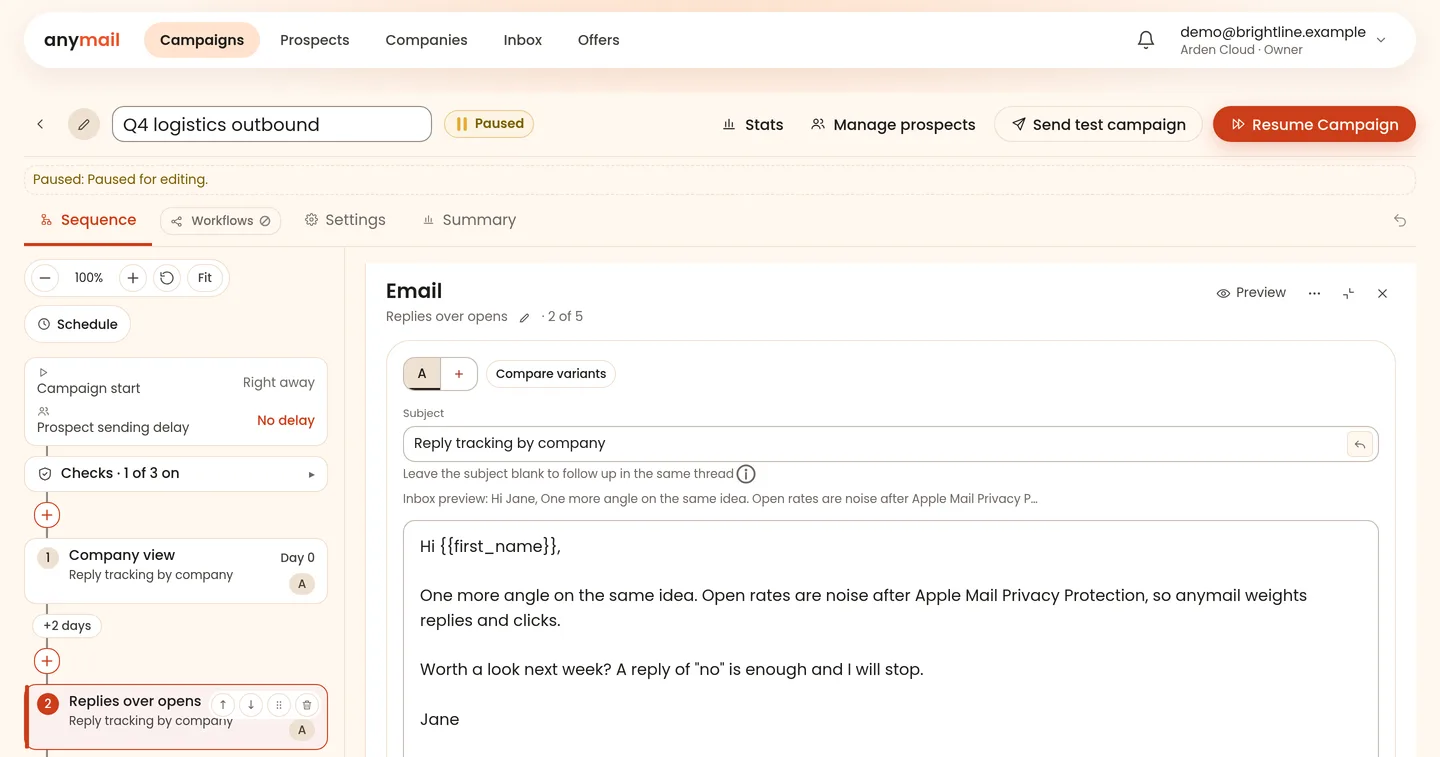
- On the Sequence tab, press the plus button and add an Email step.
- Write a subject that names the topic in plain words.
- Write the body. Use Insert snippet to add prospect fields such as {{first_name}} or {{company}}.
- Give every snippet a fallback after a vertical bar. {{first_name|there}} writes there when the first name is empty.
- Press Preview to read the email with real prospect data.
Why it matters
Snippets let one template read as if it were written to one person, as long as the data exists. A snippet without a fallback and with an empty value blocks the launch, so a blank greeting never reaches anyone.
Watch out for
- A fallback cannot contain braces or another snippet.
- A field you did not map on import is not available as a snippet.
- Spintax such as {Hi|Hello} varies the wording. It does not make an irrelevant first line relevant.
Good practice
- Keep the first email to about 90 words: why them, why now, one question.
- Open with one fact the reader can check, such as a job post or a page on their site.
- Preview the email for three prospects, including one with empty fields.
In the demo workspace
Jane's intro opens with “Hi {{first_name|there}}, I saw {{company}} is hiring two dispatchers this month.” The preview for a prospect without a first name reads “Hi there”, and the launch check passes.